01
Remote temperature control
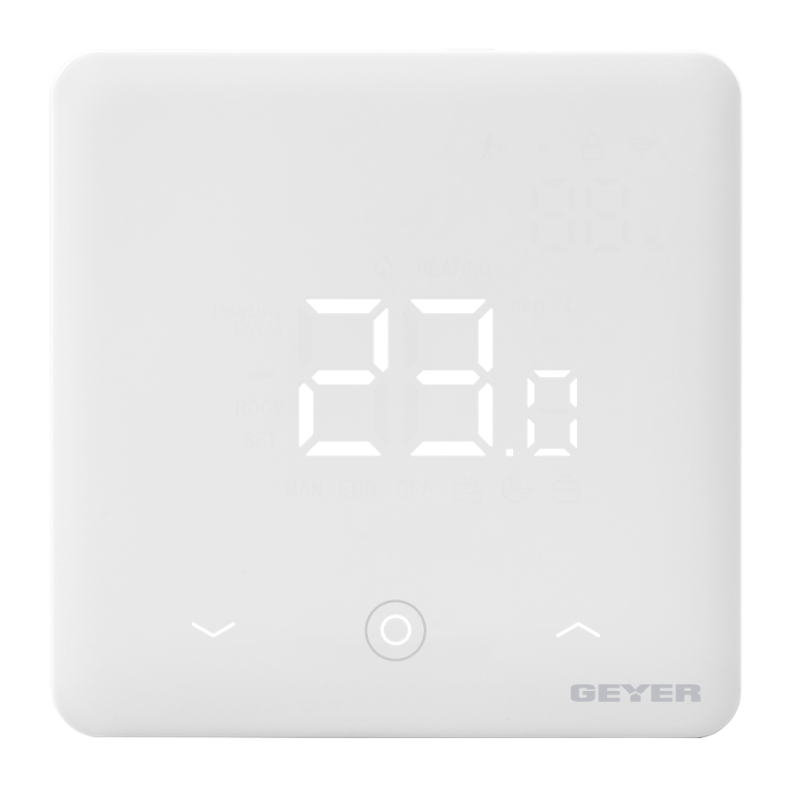
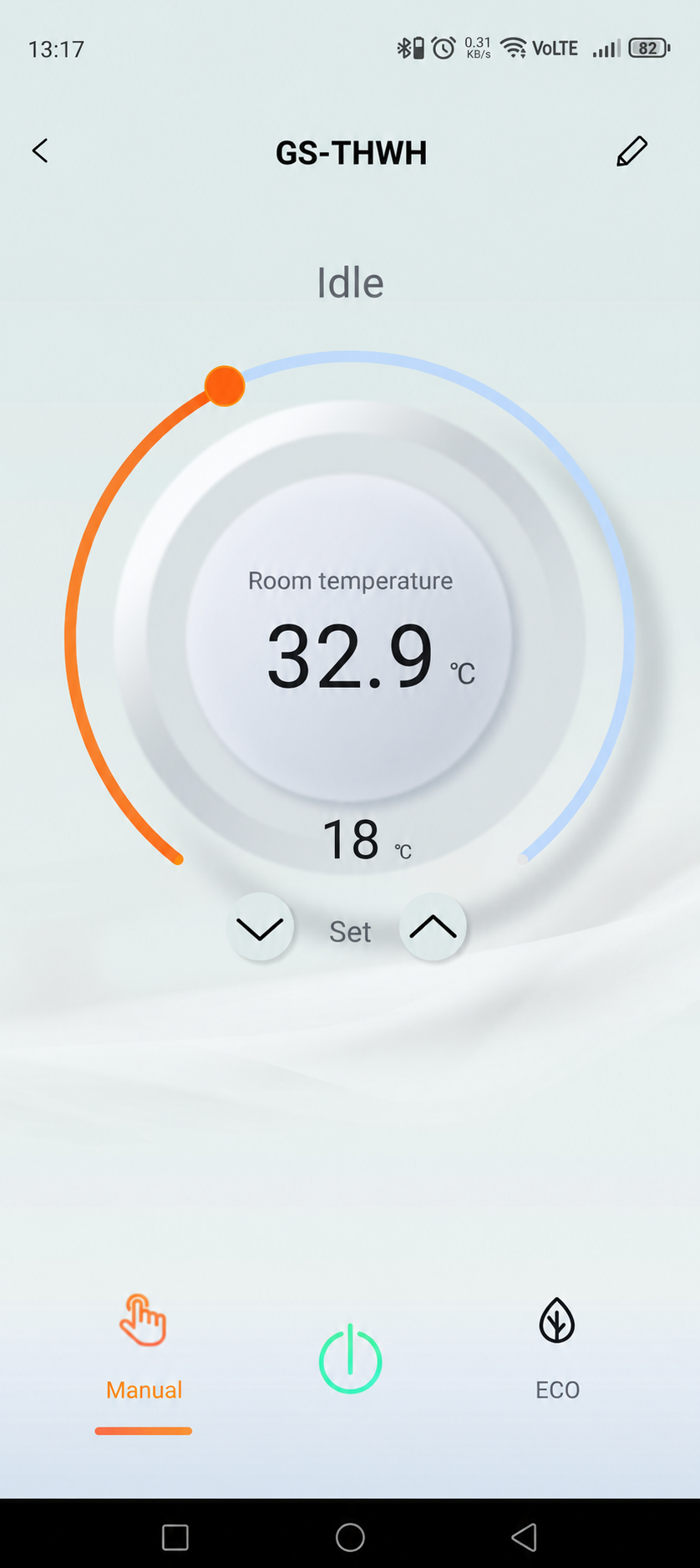
View the room temperature and adjust the setpoint from the GEYER Smart app.
GEYER SMART · GS-THWH · WI-FI ROOM THERMOSTAT
A wall-mounted Wi-Fi room thermostat for hydronic heating systems, with remote temperature control, weekly schedules and manual or ECO operation through GEYER Smart.
CONNECTED ECOSYSTEM
 Amazon Alexa
 Google Home
 Tuya Smart
 Smart Life
TEMPERATURE · COMFORT · SCHEDULING
GS-THWH combines room-temperature control, weekly programming and a clean touch interface in one wall-mounted thermostat.
View the room temperature and adjust the setpoint from the GEYER Smart app.
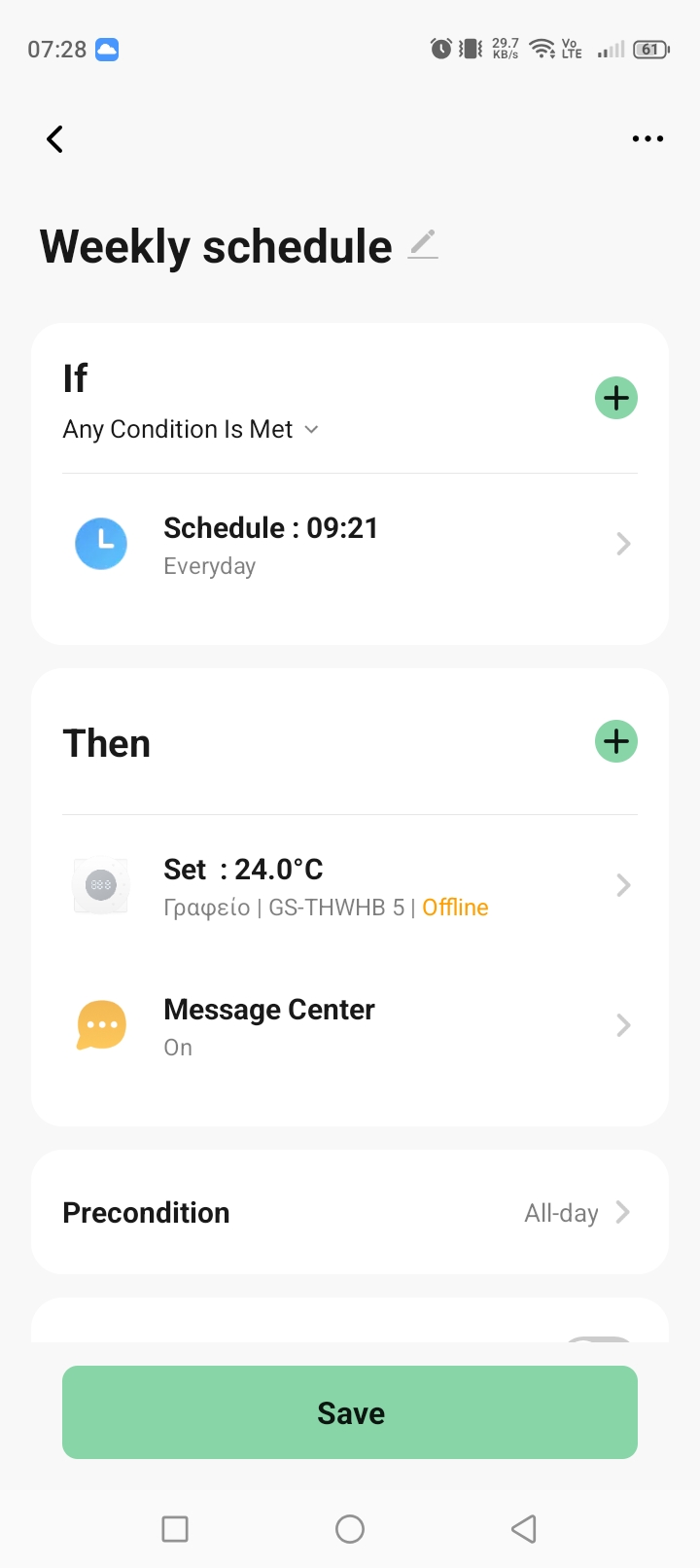
Create different temperature schedules for each day of the week through the app.
ECO mode provides a 20-minute operating cycle each time it is activated.
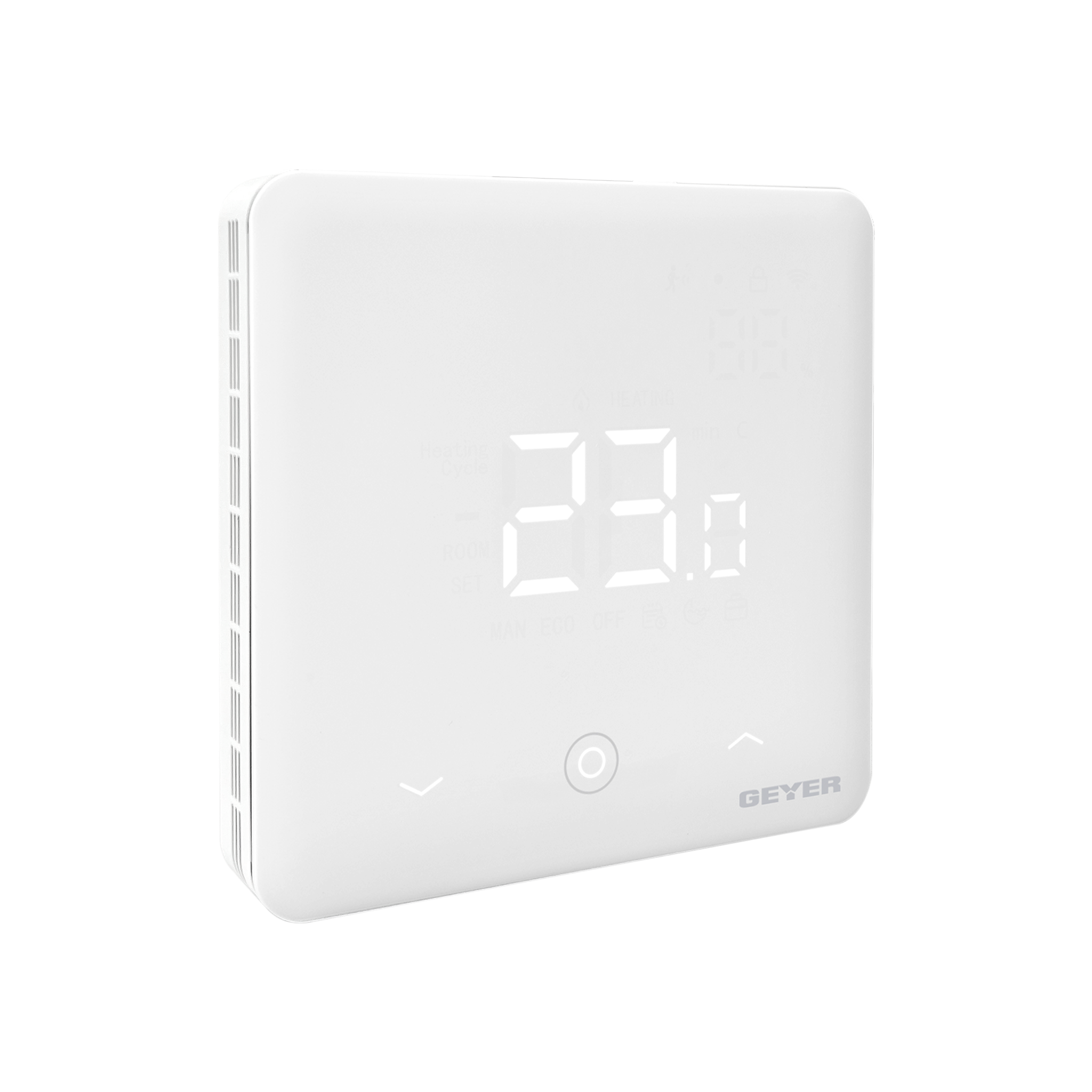
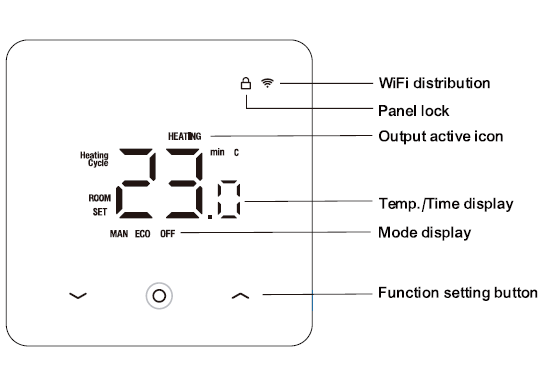
Adjust temperature and mode locally, with display lock and temperature calibration settings.
TWO COLOURS · ONE THERMOSTAT

GEYER SMART APP
View the room temperature, change the setpoint and organise weekly heating schedules from one familiar interface.


APPLICATIONS
Control compatible hydronic underfloor heating systems according to the room temperature.
Maintain the desired room temperature in compatible hydronic radiator heating installations.
Use the thermostat with a compatible hydronic heating system supplied by a heat pump.
Adjust the temperature remotely and prepare the property before arrival.
Compatibility with the heating system, control input and electrical installation must be assessed by a qualified electrician.
TECHNICAL SPECIFICATIONS
A surface-mounted Wi-Fi thermostat for compatible hydronic heating systems, available in white and black.
INSTALLATION & PAIRING

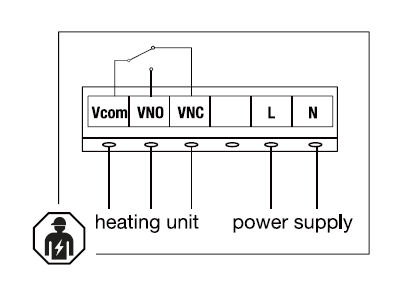
Have the thermostat connected to the power supply and the compatible heating control input by a qualified electrician, with the supply isolated.
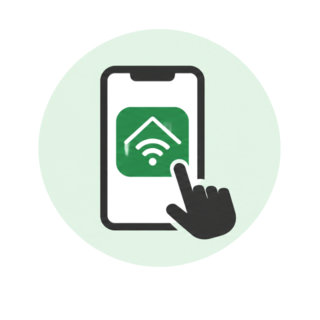
Download GEYER Smart from the App Store or Google Play, enable Bluetooth and connect the phone to a 2.4 GHz Wi-Fi network.
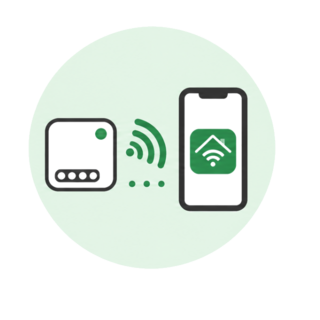
During normal operation, press and hold the down arrow and centre button for about 3 s until the Wi-Fi icon flashes, then add the thermostat in the app.
ELECTRICAL SAFETYHeating-system compatibility, output-contact selection, protection and wiring must be assessed and completed by a qualified electrician. Isolate the supply before installation.
WIRING & DISPLAY
The VCOM/VNO/VNC output is a voltage-free relay contact. It can switch the live conductor when L is connected to VCOM. Connect it according to the wiring diagram and the heating-system requirements.
FREQUENTLY ASKED QUESTIONS
Only the colour, product code and packaging differ. GS-THWH-W is white and GS-THWH-B is black; their functions and technical specifications are identical.
It is intended for compatible hydronic heating systems, including hydronic underfloor heating and radiator systems using oil, natural gas or a heat pump.
Yes. Weekly temperature schedules can be created through the GEYER Smart app.
No. GS-THWH connects exclusively to a 2.4 GHz Wi-Fi network.
Yes. Temperature and operating mode can also be adjusted locally using the touch controls.
Electrical connection and assessment of compatibility with the heating system must be completed by a qualified electrician.
VIDEO
Video content coming soon
TESTIMONIALS
Temperature control for homes and holiday properties.
I use these thermostats in homes with radiators where the customer wants to replace an old thermostat. Installation is practical, and smartphone control adds real convenience.
I created a weekly heating schedule so the house warms up before I return from work. If my plans change, I can adjust the temperature from my phone.
With GS-THWH I can adjust the heating before guests arrive. The home is ready without me having to be at the property.
DOCUMENTATION GS-THWH-W / B